





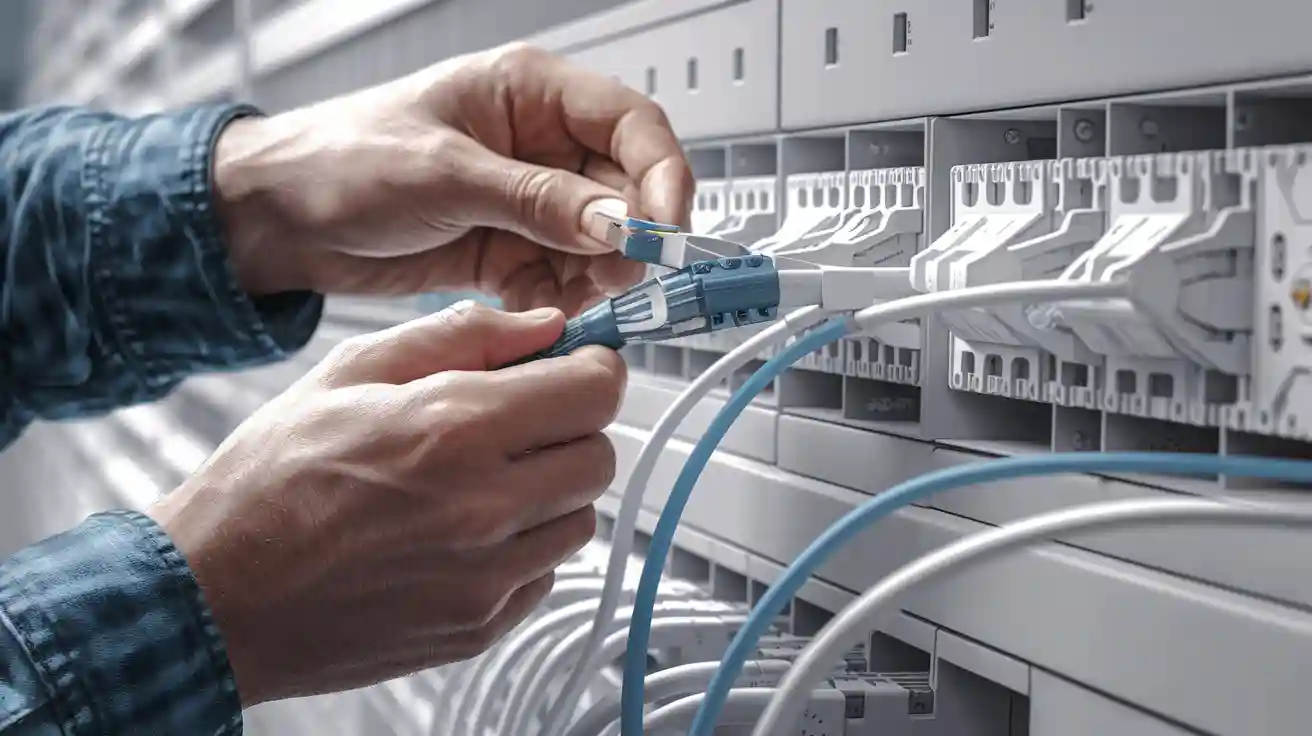
You want faster, more reliable internet for your home or small business. Fiber optic cable offers impressive speed and stability, outperforming copper wiring in nearly every scenario. In 2023, fiber broadband reached over half of U.S. primary homes, with urban access rates at 67.2% and rural at 42.1%.
|
Feature |
Fiber Optic Cables |
Copper Cables |
|---|---|---|
|
Maximum Speed |
100 Gbps+ |
Up to 10 Gbps |
|
Effective Range |
Several km |
~100 meters |
DIY installation can reduce costs to $1–$3 per foot. With the right tools and guidance, you can complete fiber optic cable installation confidently and safely.
Key Takeaways
- Fiber optic cables offer faster speeds and greater reliability than copper cables. Choose fiber for better internet performance.
- Use essential tools like fiber strippers and cleavers for a successful installation. Proper tools ensure precision and safety.
- Plan your Fiber optic cable route carefully to avoid obstacles. A well-planned path reduces signal loss and installation costs.
- Always test your connections after installation. Testing verifies performance and helps identify any issues before they affect your network.
- Prioritize safety by wearing protective gear. Safety glasses and gloves protect against sharp fibers and chemicals during installation.
Fiber Optic Cable Installation Tools
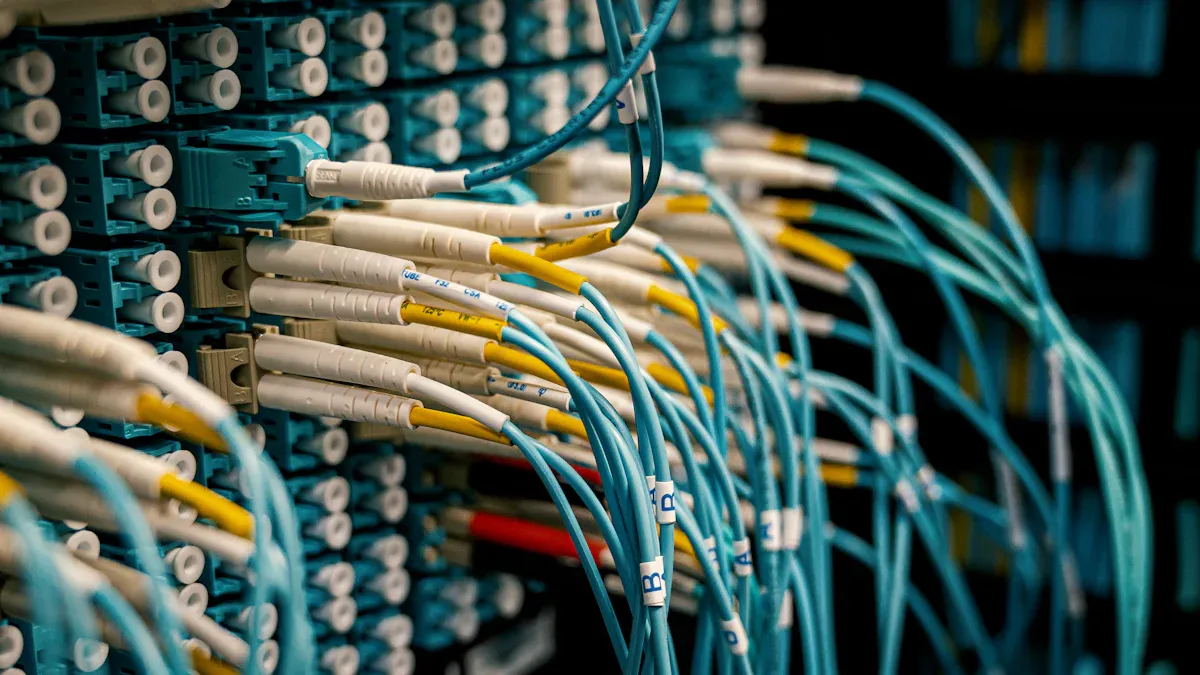
Selecting the right tools and materials ensures a smooth and safe fiber optic installation. You need to understand which items are essential, which materials are required, and which optional equipment can enhance your efficiency and safety.
Essential Tools
You will rely on several specialized tools for a successful installation. Each tool serves a specific purpose, from preparing the cable to making precise connections. Here is a list of the most commonly used tools in the industry:
- Cable jacket slitter: Removes the outer jacket without damaging the fibers.
- Drop cable stripper: Strips insulation from drop Fiber optic cables for termination.
- Kevlar cutter/scissors: Cuts the tough Kevlar yarn inside the Fiber optic cable.
- Buffer tube cutter: Opens buffer tubes to access fibers.
- Midspan access tool: Allows you to access fibers without cutting the Fiber optic cable entirely.
- Fiber stripper: Removes the protective coating from individual fibers.
- Fiber cleaver: Provides a clean, flat end for splicing.
- Needle nose pliers: Handles small components and bends wires.
Electrician's Fiber optic cable knife: Cuts and trims cables as needed.
Fiber optic cleaning kit: Cleans connectors and fiber ends to ensure signal quality.
Tip: Use a fiber cleaver with a carbide blade for maximum durability and precision. Stainless steel tools resist corrosion and last longer in humid environments.
Required Materials
You need specific materials to complete a residential fiber optic installation. These materials support every stage, from Fiber optic cable preparation to final testing.
- Fiber optic cleaver
- Fiber optic stripper
- Fiber optic fusion splicer
- Fiber optic test equipment
- Fiber optic cabling and connectors
You may need to clear the Fiber optic cable path, which could involve digging or aerial work. For longer runs, you might use Fiber optic cable blowing or pulling methods to place the fiber optic cable efficiently.
|
Material |
Strength |
Durability |
Usage Scenario |
|---|---|---|---|
|
Fiber optic cabling |
High tensile |
UV resistant |
Outdoor/indoor runs |
|
Fusion splicer |
Precise joints |
Long-lasting |
Permanent splicing |
|
Test equipment |
Accurate results |
Rugged casing |
Post-installation verification |
Optional Equipment
Safety and efficiency improve when you use the right optional equipment. Consider these items for a safer and more compliant installation:
- Protective clothing, such as lab coats or aprons
- Hard hats for head protection
- Safety glasses or goggles to guard against fiber shards and laser exposure
- Protective gloves (nitrile or latex) to prevent skin contact with fibers and chemicals
- Proper ventilation or masks in areas with chemical fumes
- Risk assessment before starting work
Always comply with OSHA and local safety regulations. Implement safe work methods to protect yourself and your workspace during fiber optic installation.
How to Install Fiber Optic Cables: Step-by-Step
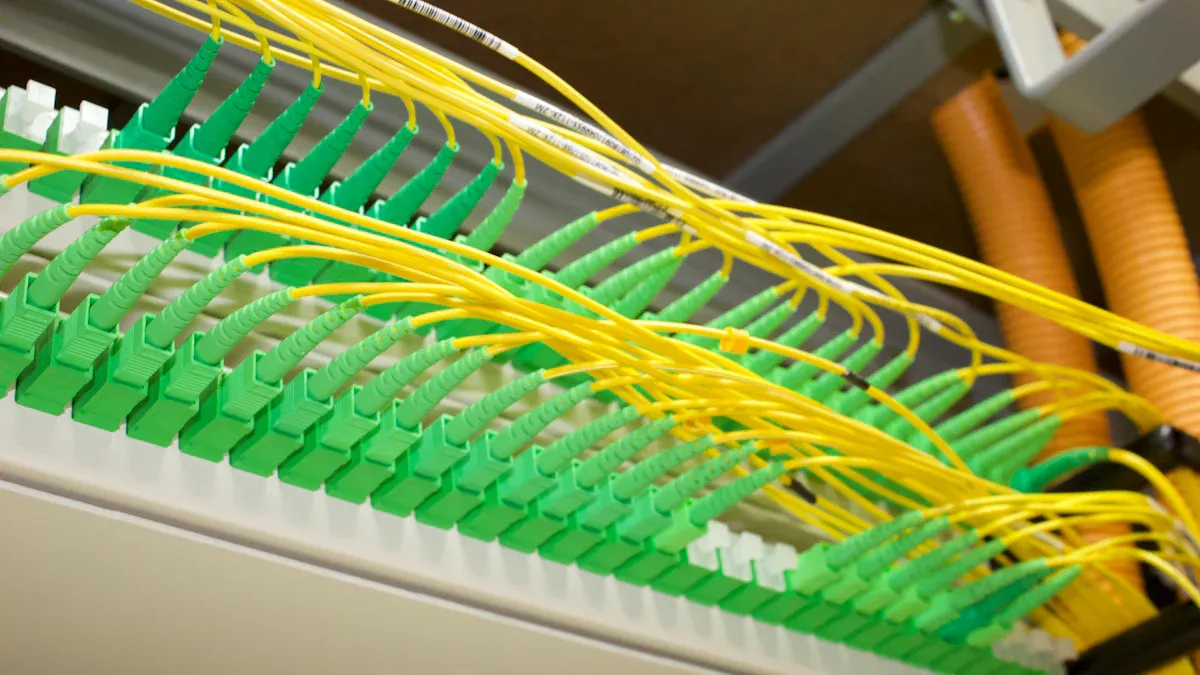
Installing fiber optic cable requires careful planning and precise execution. Each step in the fiber optic installation process ensures your network delivers maximum speed and reliability. Follow these steps to achieve a professional-grade fiber optic cable installation in your home or small business.
Plan the Cable Path
Proper planning forms the foundation of a successful fiber optic installation. You need to map out the Fiber optic cable route, considering both the physical environment and network requirements.
- Create both high-level and low-level designs for your fiber optic network installation.
- Draw layouts that match the actual geographic area, including walls, ceilings, and outdoor spaces.
- Consult with architects, building managers, or engineers to review architectural drawings.
- Decide if your network will use active or passive components.
Visit the site to inspect proposed Fiber optic cable routes and identify obstacles such as HVAC ducts, electrical wiring, or structural barriers.
Gather information from local authorities about existing pathways or conduits.
Tip: Always choose the most direct route for your fiber optic cable. Shorter paths reduce signal loss and installation costs.
When planning, avoid sharp bends and use dedicated ducts or trays. Industry guidelines recommend maintaining a minimum bend radius-typically 10 times the Fiber optic cable diameter when not under tension and 15 times when under tension. Ignoring this can cause signal degradation and reduce the lifespan of your fiber optic cable.
|
Installation Factor |
Best Practice |
Common Mistake |
|---|---|---|
|
Bend Radius |
≥10x cable diameter (no tension) |
Sharp bends, kinks |
|
Cable Path |
Dedicated ducts/trays |
Mixing with copper cables |
|
Route Planning |
Site visits, obstacle checks |
Relying on guesswork |
Prepare the Installation Area
Before you begin the fiber optic installation process, prepare the area to minimize damage and interference.
- Develop a port map to inventory all Fiber optic cables and plan installation guidelines.
- Follow the Fiber optic cable's tensile and pull load ratings. Exceeding these can damage the fibers.
- Reduce the distance and pull lengths whenever possible. Shorter runs improve signal quality.
- Never pinch, twist, or bend fiber optic cables during installation.
- Practice good cable management. Use trays, racks, or Fiber optic cable ties to keep everything organized.
Note: Avoid running fiber optic cable alongside copper cables. Use flexible innerducts to keep fiber separate and protected from electromagnetic interference.
Inspect and Prepare the Cable
Thorough inspection and preparation of your fiber optic cable ensure optimal performance and longevity.
Conduct a site assessment to confirm the route is safe and efficient.
Remove any barriers and confirm the pathway is suitable for installation.
Secure all necessary permits and comply with local regulations before starting the fiber optic cable installation.
Ensuring that fiber connections remain uncontaminated is pivotal to avoiding signal degradation and maintaining peak network functionality. Use professional video microscopes and the correct cleaning supplies to clean fiber connectors. After cleaning, inspect connectors to confirm they are free of impurities.
Run the Fiber Optic Cable
- Running the Fiber optic cable is a critical step in the fiber optic installation process. Handle the cable with care to prevent damage.
- Support the Fiber optic cable to avoid crushing, stressing, or overbending.
- Always comply with the cable's minimum bend radius and maximum tensile load.
- Use smooth transition points when pulling Fiber optic cable through conduit to prevent snags.
- Employ flexible conduit in areas exposed to pressure or scraping.
- Ensure conduit bends do not exceed the minimum bend radius.
- Use pull boxes for easier installation and to allow for future Fiber optic cable runs.
- Install Fiber optic cables in trays or racks for organized support.
Scenario: In a small business office, you might run fiber optic cable from a server room through ceiling trays to individual workstations. Using pull boxes and flexible conduit protects the cable from sharp bends and mechanical stress.
Splice and Connect Fibers
Connecting fiber optic cables requires precision and the right tools. You can use either mechanical or fusion splicing.
- Types of Splicing: Choose between mechanical splicing (aligns fibers with index matching fluid) and fusion splicing (welds fibers together using heat).
- Mechanical Splicing: Align two fibers using a mechanical assembly and matching fluid.
- Fusion Splicing: Use a fusion splicer to align and fuse fiber ends, creating a seamless connection.
Splicing Steps:
- Remove the outer jacket with a fiber optic jacket stripper.
- Clean the exposed fiber with a lint-free wipe and fiber cleaning fluid.
- Cleave the fiber using a fiber optic cleaver for a clean, perpendicular cut.
Essential Tools:
- Fiber optic stripper
- Kevlar cutters
- Lint-free wipes
- Fiber optic cleaning solution
- Fiber optic cleaver
- Safety glasses
- Work mat
- Fiber shard container
Tip: Always wear safety glasses and use a fiber shard container to safely dispose of fiber scraps.
Test the Connection
Testing verifies the integrity and performance of your fiber optic cable installation. Use industry-standard tests to ensure your network meets performance expectations.
Insertion Loss Testing: Measure the amount of signal lost during transmission.
Optical Return Loss Testing: Check how much light reflects back, which can interfere with network performance.
OTDR Testing: Use an Optical Time Domain Reflectometer to evaluate cable condition and locate faults.
|
Test Type |
Purpose |
Typical Result (Good) |
|---|---|---|
|
Insertion Loss |
Signal loss over the cable |
<0.5 dB per connection |
|
Optical Return Loss |
Light reflected back |
>-55 dB |
|
OTDR |
Fault location and cable integrity |
No major spikes or breaks |
Note: Document all test results for future reference. Proper testing ensures your fiber optic network installation delivers the speed and reliability you expect.
Fiber Optic Installation Safety
Safety should always be your top priority during any fiber optic installation. You face unique hazards when working with fiber optic cable, including sharp glass fragments, chemical exposure, and the risk of fire. Understanding why these risks matter helps you prevent injuries and protect your investment.
Personal Safety
You must protect yourself from the most common hazards in fiber optic installation. Sharp fiber splinters can penetrate your skin or eyes, causing serious injuries. Chemical cleaners and adhesives require careful handling and proper ventilation. Electric arcs from splicing can ignite flammable gases, so avoid confined spaces during this process.
Tip: Always wear safety glasses with side shields and gloves when handling fiber optic cable. Disposable aprons help keep fiber particles off your clothing.
Personal Protective Equipment Checklist:
- Safety glasses to shield your eyes from fiber shards
- Gloves to prevent cuts from sharp fibers
- Laser safety glasses if you work with active lasers
- Disposable aprons to minimize fiber dust on clothing
Never eat or drink in your work area. Glass particles can contaminate food and drinks, leading to accidental ingestion.
Cable Protection
You need to protect the cable from physical damage during and after installation. Select cables designed for your environment. Indoor cables should have fire-resistant jackets. Outdoor cables often require armored protection against harsh conditions.
Best Practices for Cable Protection:
Choose the right Fiber optic cable for your environment.
Route cables using trays and conduits to prevent accidental damage.
Maintain the minimum bend radius-20 times the Fiber optic cable diameter during installation, 10 times after installation.
Avoid twisting or pulling cables beyond their rated tension.
|
Safety Hazard |
Description |
|---|---|
|
Eye Safety |
Fiber scraps can cause severe eye injuries. |
|
Chemical Safety |
Cleaners and adhesives need careful handling and ventilation. |
|
Fire Hazards |
Splicing arcs can ignite flammable gases; avoid confined spaces. |
|
Cleanliness |
Keep work areas clean to prevent contamination and injury. |
Safe Handling Practices
You ensure a safe and efficient installation by following fiber optic installation best practices. Handle connectors by their housing and keep end-faces capped when not in use. This prevents dust and contaminants from degrading your signal. Clean as you go to avoid fiber shards accumulating in your workspace.
A clean, organized area reduces the risk of accidents and makes it easier to spot and dispose of broken fibers. Use cable ties and clips to secure cables and prevent movement. Always follow electrical safety guidelines and ensure proper ventilation.
Keeping your workspace organized and using the right safety gear protects both you and your fiber optic installation investment.
Common Fiber Optic Cable Installation Mistakes
Mistakes during fiber optic cable installation can lead to costly repairs, poor network performance, and safety hazards. You can avoid these issues by understanding the most common errors and following best practices.
Poor Route Planning
You need to plan your cable route carefully before starting any installation. Skipping a site survey or relying on guesswork often results in poor cable placement and increased risk of damage. Many installers use improper equipment or materials, which can compromise the entire network. Not burying the Fiber optic cable deep enough exposes it to weather and accidental cuts.
Frequent Planning Mistakes:
- Not conducting a site survey
- Using improper equipment and materials
- Not burying the Fiber optic cable deep enough
- Poor Fiber optic cable placement
A survey by Fluke Networks found that mislabeling, excessive bending, and poor cable placement are leading causes of installation failures. Dirty endfaces account for 85% of attenuation loss issues, according to industry research.
|
Practice |
Correct Approach |
Common Mistake |
|---|---|---|
|
Route Planning |
Site survey, obstacle check |
Guesswork, no survey |
|
Cable Depth |
Bury to recommended depth |
Shallow burial |
|
Equipment Selection |
Use rated tools/materials |
Low-grade or wrong tools |
Improper Handling
Handling fiber optic cable requires precision and care. You must avoid excessive bending, kinking, or pulling beyond the cable's rated tension. Tiny glass or plastic fibers can break off during handling, posing inhalation or skin risks. Lasers used in fiber optics can cause irreversible eye damage if viewed directly.
|
Risk Description |
Mitigation |
|---|---|
|
Risk of shock or electrocution when cutting or drilling near live lines |
Use insulated tools and check for power presence using voltage detectors before cutting |
|
Risk of electrical burns or shock during patching or maintenance |
Follow proper bonding and grounding procedures as per TIA/EIA-607 or NEC Article 250 |
|
Dropped tools or metallic fiber cleavers can bridge electrical contacts unintentionally |
Keep tools organized; use insulated or non-conductive equipment |
- Excessive bending beyond the cable's minimum bend radius can lead to physical damage.
- Internal fibers may break or develop micro-fractures, resulting in reduced signal quality.
- Improper training increases the likelihood of installation errors.
During fiber optic cable installation, improper handling can result in broken connectors, shattered endfaces, and bad splices. Using low-grade cables or connectors leads to frequent failures and repairs.
Inadequate Testing
Testing is a critical step in fiber optic cable installation. You need to verify every connection and splice to ensure optimal performance. Skipping tests or using improper methods can leave hidden faults that degrade your network.
Common Testing Issues:
- Bends in the cable due to improper handling or installation, causing signal loss
- Damage from improper pulling techniques, excess tension, or tight bends
- High loss splices from poor cleaving or splicing procedures
- High loss connectors due to bad processes or post-installation damage
- Contamination from dirt or dust on the fiber end-face, leading to increased insertion loss
- Breaks and scratches in the fiber from external damage or stress
- Faulty connections from improper installation or connector mismatch
You should document all test results and follow industry standards for verification. Proper testing ensures your fiber optic cable installation delivers reliable speed and performance.
You achieve the best results in fiber optic cable installation by following these essential steps:
- Plan the route to avoid obstacles.
- Splice Fiber optic cables accurately for strong signals.
- Connect fibers with precision.
- Organize cables for easy maintenance.
- Test connections for reliability.
Careful planning and the right tools-such as splicing kits and testers-help you avoid common mistakes. When you install fiber optic systems professionally, you gain speed, reliability, security, future-proof scalability, and long-term cost savings.
FAQ
Why should you choose fiber optic cable over copper cable for your network?
Fiber optic cable provides faster speeds, greater bandwidth, and longer transmission distances. You also gain improved reliability and immunity to electromagnetic interference. These benefits make fiber optic cable the best choice for modern home and business networks.
Why is it important to avoid sharp bends during fiber optic cable installation?
Sharp bends can damage the glass fibers inside the cable. This damage leads to signal loss and reduced network performance. You should always follow the manufacturer's minimum bend radius guidelines to maintain optimal data transmission.
Why do you need to test fiber optic cables after installation?
Testing ensures your fiber optic cable installation meets performance standards. You can identify faults, measure signal loss, and confirm proper splicing. This step helps you avoid future network issues and guarantees reliable, high-speed connectivity.
Why should you keep fiber optic cables separate from copper cables?
Mixing fiber optic and copper cables can cause electromagnetic interference. This interference degrades signal quality and network reliability. You should use dedicated ducts or trays to protect your fiber optic cables and maintain performance.
Why is personal protective equipment necessary when installing fiber optic cables?
Fiber optic installation exposes you to sharp glass shards and hazardous chemicals. Wearing safety glasses, gloves, and protective clothing prevents injuries. You protect your eyes, skin, and overall health by following proper safety protocols.