To connect fiber optic to a wireless router, you will need a fiber optic modem (ONT) and a wireless router. Here are the steps to connect them:
Prepare the Devices: Make sure you have a fiber optic modem (ONT) and a wireless router. The ONT is typically provided by the Internet Service Provider (ISP) and is used to convert the fiber optic signal into a signal usable for network connection. The wireless router is used to create a wireless network and share the network connection with multiple devices.
Connect the Fiber Optic Modem (ONT): Connect the fiber optic cable to the optical port of the ONT (usually located on the back of the ONT), ensuring a secure connection.
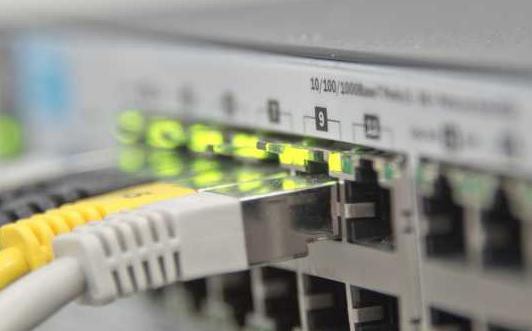
Connect the Wireless Router: Typically, the ONT provides one or more Ethernet ports. You need to use an Ethernet cable to connect one of these ports to the WAN (Wide Area Network) port of the wireless router. This way, the ONT will transmit the Internet signal to the wireless router.
Power On the Devices: Once connected, power on the ONT and the wireless router. They will automatically initialize and establish a connection.
Configure the Wireless Router: Connect to the management interface of the wireless router using a computer or smart phone, and follow the instructions provided with the router. You may need to configure the wireless network name (SSID) and password, as well as other network settings.
Connect Devices: Once set up, you can search for and connect to the newly configured wireless network on your devices.
After completing the aforementioned steps, your wireless router has successfully connected to the fiber optic network, providing you with a more stable and high-speed internet connection.
When connecting fiber optics, it's imperative to note the following:
- Ensure the alignment and secure connection of the fiber optic interface and connector to avoid signal interruptions or issues caused by loose connections.
- Avoid bending or twisting the fiber optic cables during the connection process to prevent damage to the fiber.
- In case of connection problems or configuration difficulties, it's advisable to consult the relevant device manuals or seek assistance from professional technicians.
- In conclusion, connecting fiber optics to your wireless router can offer a more stable and high-speed internet connection. By selecting appropriate multi-mode or single-mode fiber optics and following the correct connection procedures, you can easily establish the connection between fiber optics and your wireless router, thus enjoying a faster and more reliable internet experience.